


Billing for private clinics, from deposit to paid invoice.
nuemed handles the money a private clinic takes directly from patients. Each deposit, payment and refund is recorded against the patient and the treatment, a paid invoice is generated when one is needed, and finance records export to Xero or QuickBooks. It does not submit insurance claims.
Which kind of billing this is.
“Clinic billing” can mean patient payments or insurer claims. nuemed covers the first.
- Deposits taken when a patient books online
- Treatment payments taken in the clinic
- Cash and externally processed card payments, recorded with their method
- Refunds linked to the original payment
- Paid invoices generated from recorded payments
- Supplier expenses and accounting export
- Insurance claims or reimbursement
- Medical coding
- NHS or other public payer claims
- Statutory payroll
- Tax filing or national e-invoicing submission
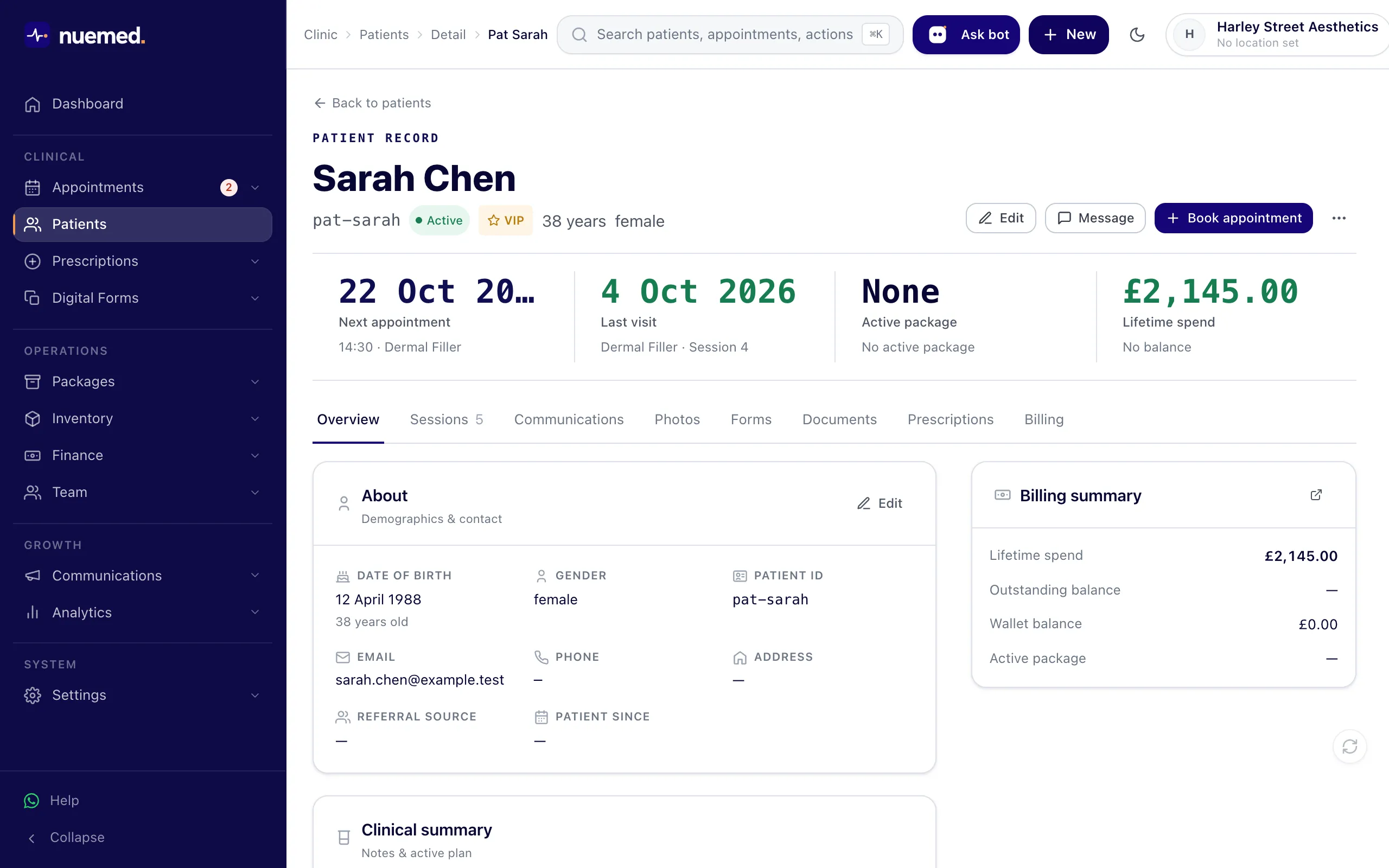
Every payment sits on the patient record.
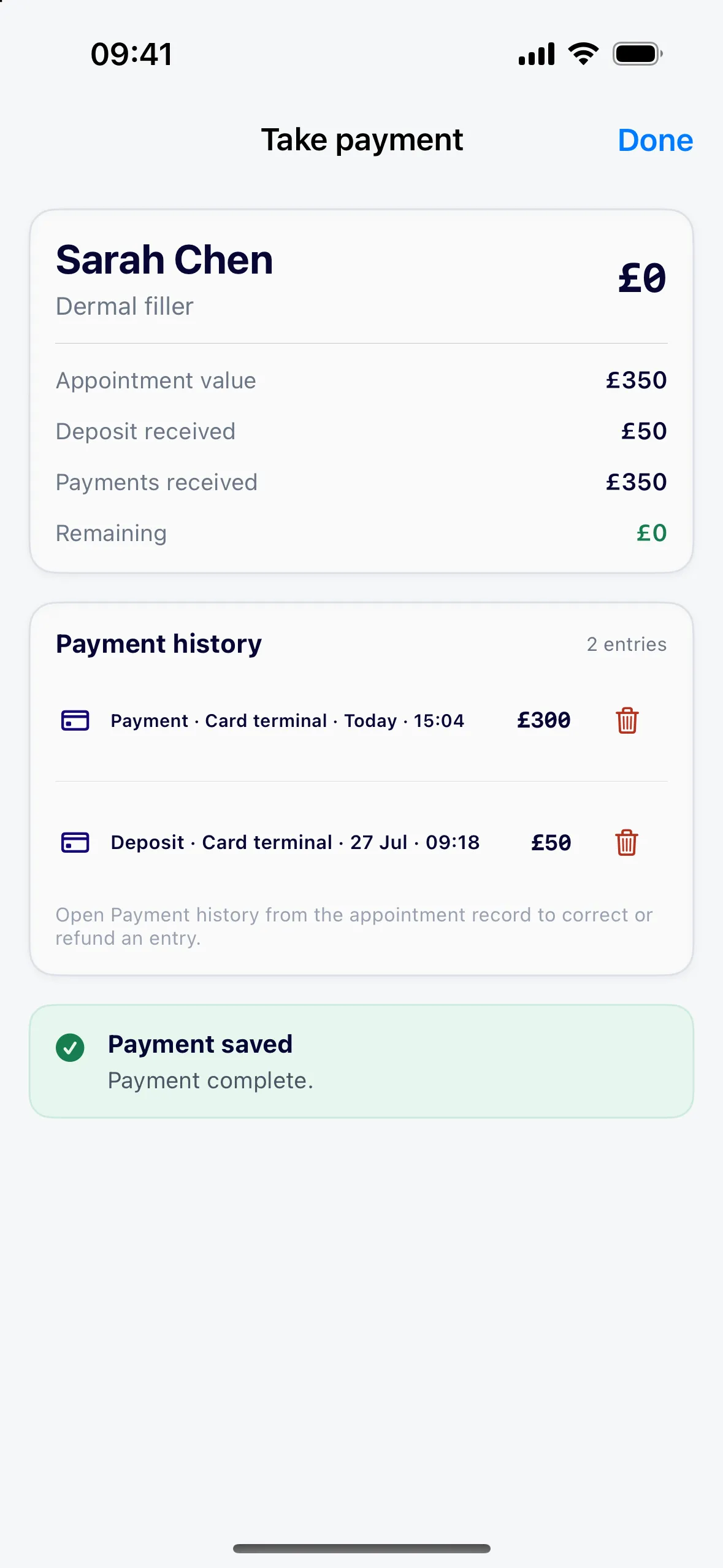
Stripe payments and manually recorded payments follow the same structure: who paid, for which treatment and by which method. Deposits, final payments and refunds stay linked, so anyone with finance access can read the patient’s balance and history.
- Card payments through Stripe or the clinic’s local payment provider
- Cash and card-terminal payments recorded with their method
- Refunds tied to the payment they reverse
Payment first. Invoice second.
nuemed generates invoices from payments that have already been made, so each invoice matches money the clinic received.
- 01Record the paymentWith the patient, treatment, amount and method.
- 02Apply the configured tax treatmentVAT or other tax settings chosen by the clinic.
- 03Generate the paid invoiceWhen the patient or the clinic needs one.
- 04Export when readySend it to the connected accounting account.
This is not an accounts-receivable tool for chasing unpaid invoices.
Itemised, with your tax settings applied.
Send invoices and expenses to Xero or QuickBooks.
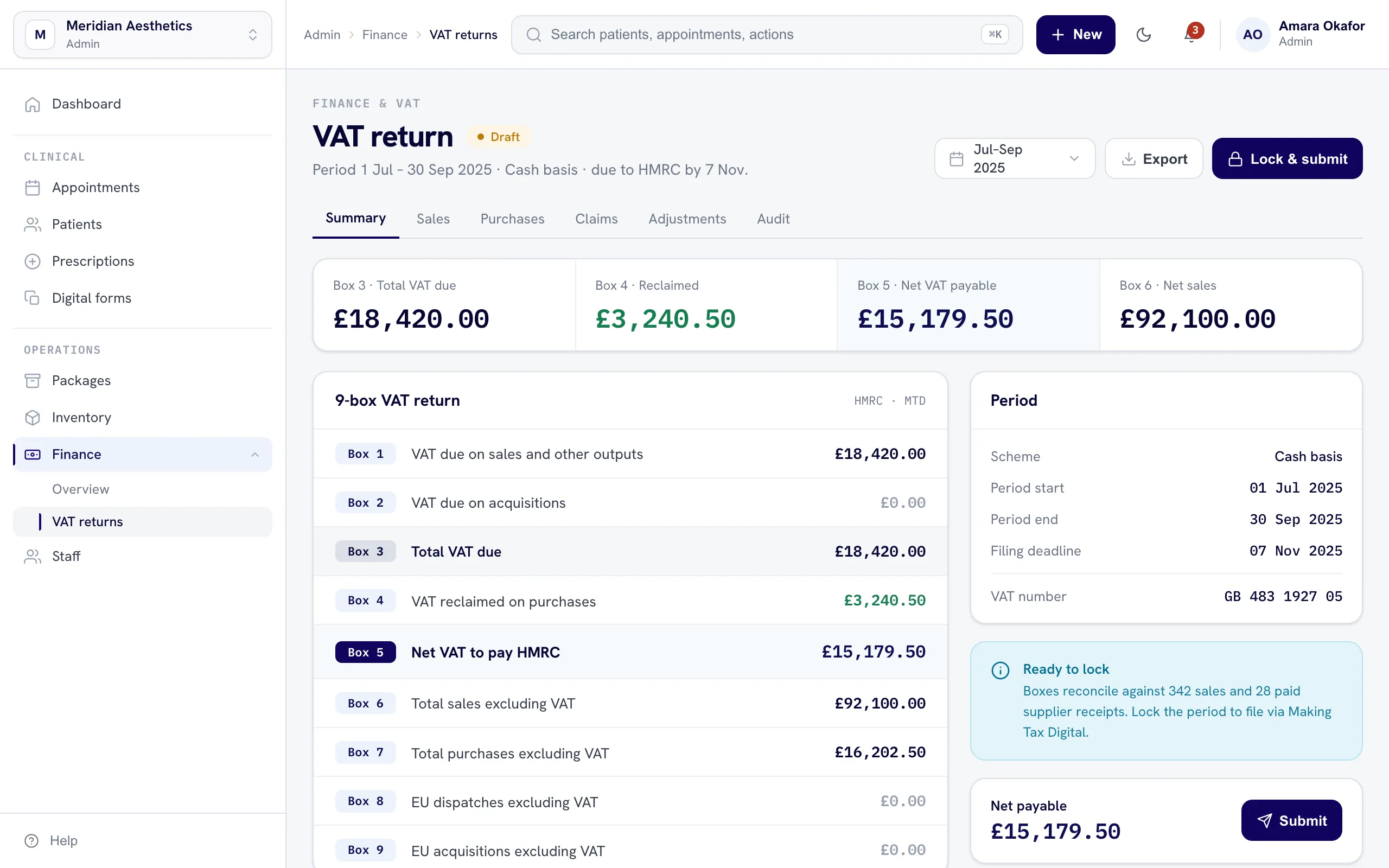
Enter paid supplier expenses and attach the supplier invoice. If AI extracts the details, the team reviews the entry before it is saved. When the clinic chooses, generated invoices and paid expenses are exported to a connected Xero or QuickBooks account.
- Clinic-initiated export, not a background sync
- Xero and QuickBooks, depending on the provider account and configuration
Questions answered
No. nuemed records payments a private clinic takes directly from patients. It does not submit insurer, NHS or other public payer claims, and it does not do medical coding.
After a payment is recorded. The clinic generates a paid invoice from that payment when the patient or the clinic needs one.
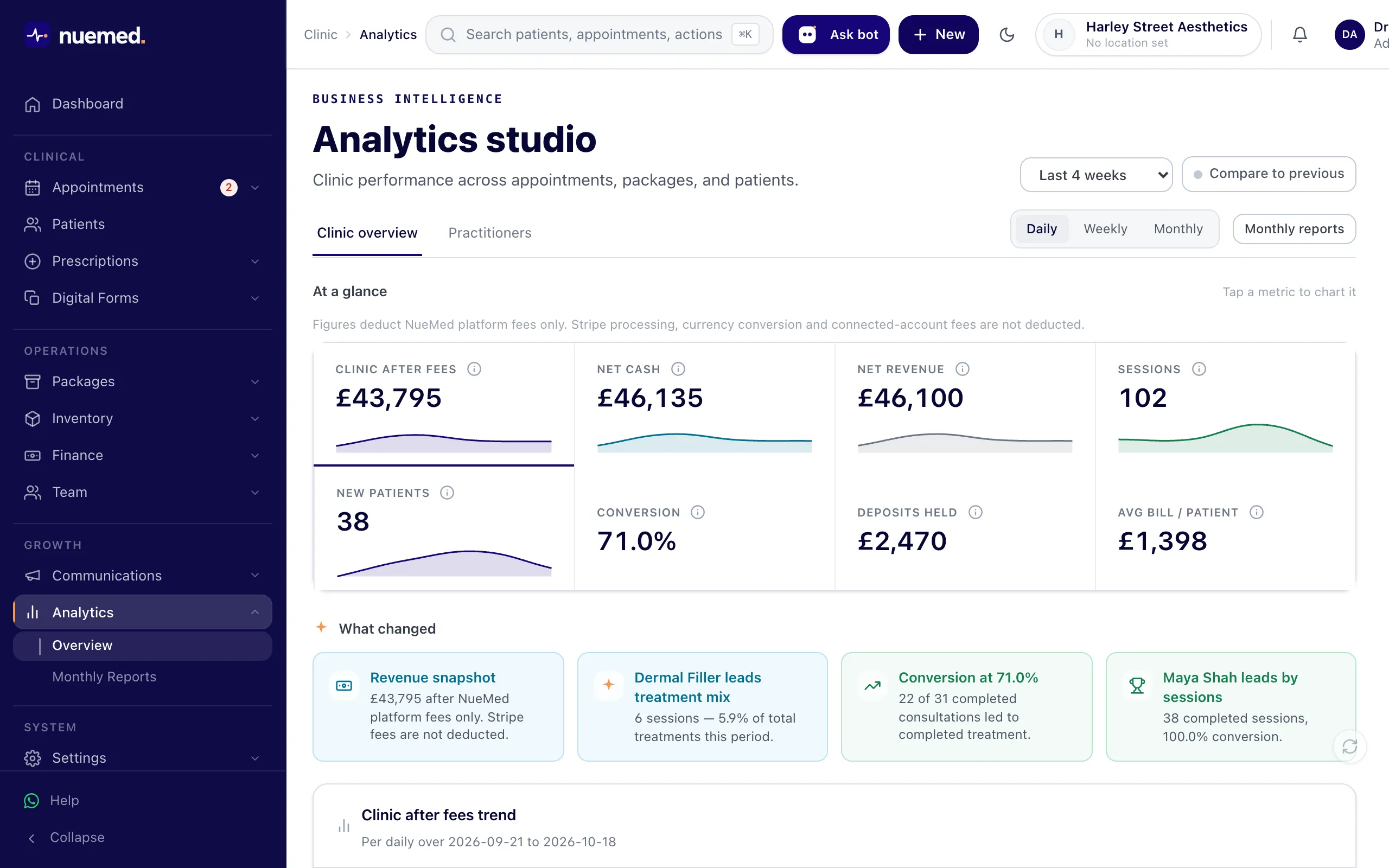
Yes. Payments taken in cash or on a separate card terminal can be recorded with their method, so they appear in the patient’s financial record and in reports.
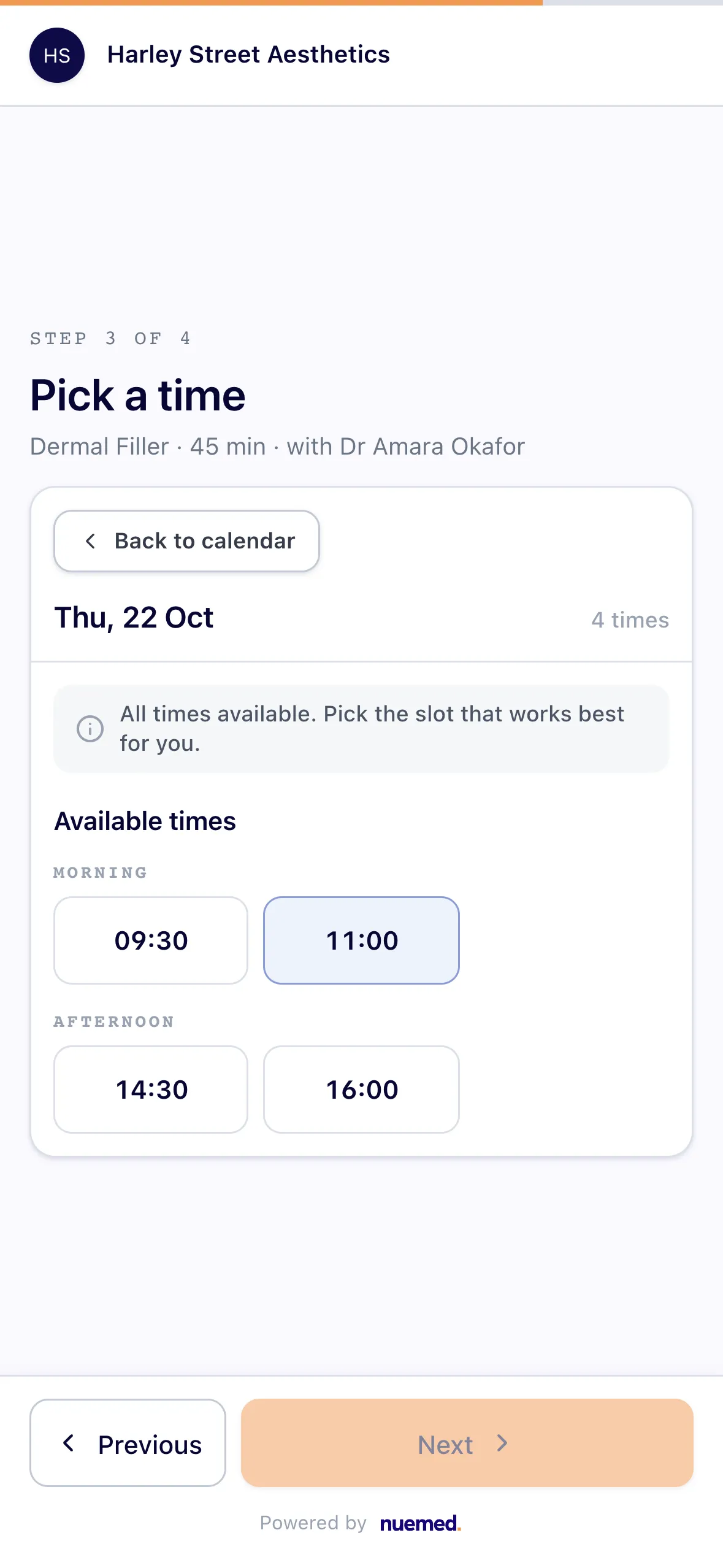
Once the clinic connects Stripe or its local payment provider, an online booking can require no payment, a fixed deposit or full payment.
Generated invoices and paid expenses, when the clinic exports them to a connected account.
Payments processed through nuemed carry a 1% nuemed fee plus Stripe’s fees. Payments recorded manually do not carry that nuemed fee.
Keep every payment with the patient it belongs to.
Walk through your clinic’s payment, refund, tax and accounting workflow with us.