Every payment explained. Every expense ready.
Connect treatment income, deposits, VAT, refunds and paid expenses in one clear record. Generate invoices when needed and sync them with Xero or QuickBooks when your accounts are ready.
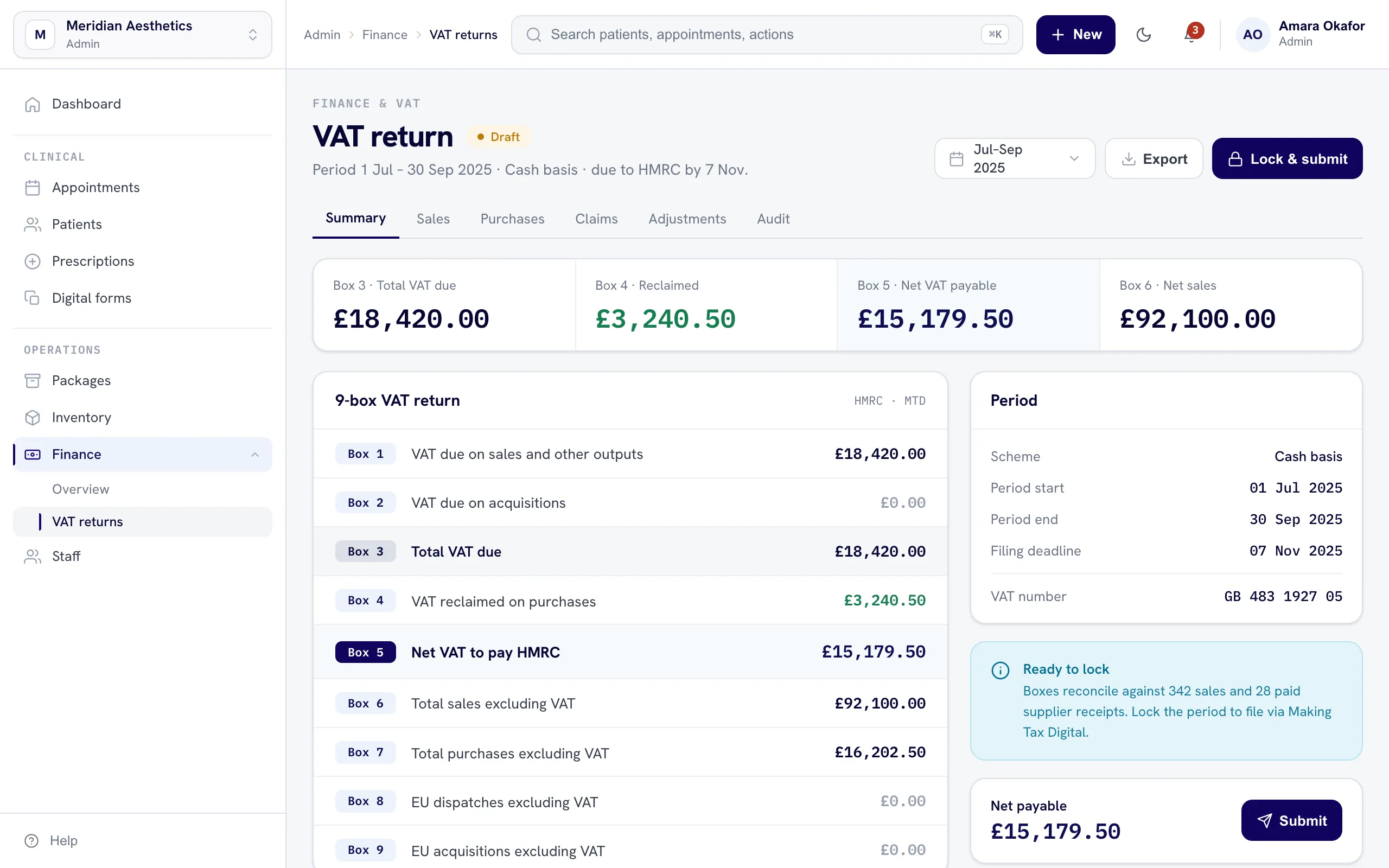
Record it once. Keep the breakdown.
nuemed records the clinic detail behind the payment. Your accounting platform receives the invoices and paid expenses you choose to sync.
The detail your clinic needs. Ready for your accountant.
Track the operational finance inside nuemed without pretending it replaces your accounting platform.
Exports and syncs with the tools you already use
Finance questions, answered.
Yes. Clinics can take payments through Stripe or record cash and externally processed card payments. Each payment remains connected to the relevant treatment and financial record.
nuemed records the itemised payment first. Once it is paid, the clinic can generate an invoice from that breakdown when an invoice is required.
Yes. VAT can be configured for treatments and products, so one invoice can include items with different VAT treatment.
Yes. nuemed can add VAT to a net price or calculate the net and VAT portions from a VAT-inclusive total. At 20% VAT, a £100 inclusive payment is shown as £83.33 net and £16.67 VAT.
Upload a supplier invoice and AI places its information into the paid-expense fields. This can include the supplier, category, dates, amount, shipping, VAT and purchase tax code. The clinic can review the entry before using it.
Reports cover revenue, VAT, expenses, refunds, Stripe payments and payment methods. They can be filtered by practitioner, location, payment method and date.
Generated invoices and paid expenses can be sent to Xero or QuickBooks. The clinic starts the sync when it is ready.
Stripe Connect links the clinic to its own Stripe account. Payments and refunds are handled on that connected account, while nuemed keeps the itemised clinic record.