Clinic prescription software. Draft it. Approve it.
Clinic prescription software helps you dictate or type a prescription, review every structured field and keep approval with an authorised prescriber. Then share a secure PDF link or dispense the medication inside your clinic.
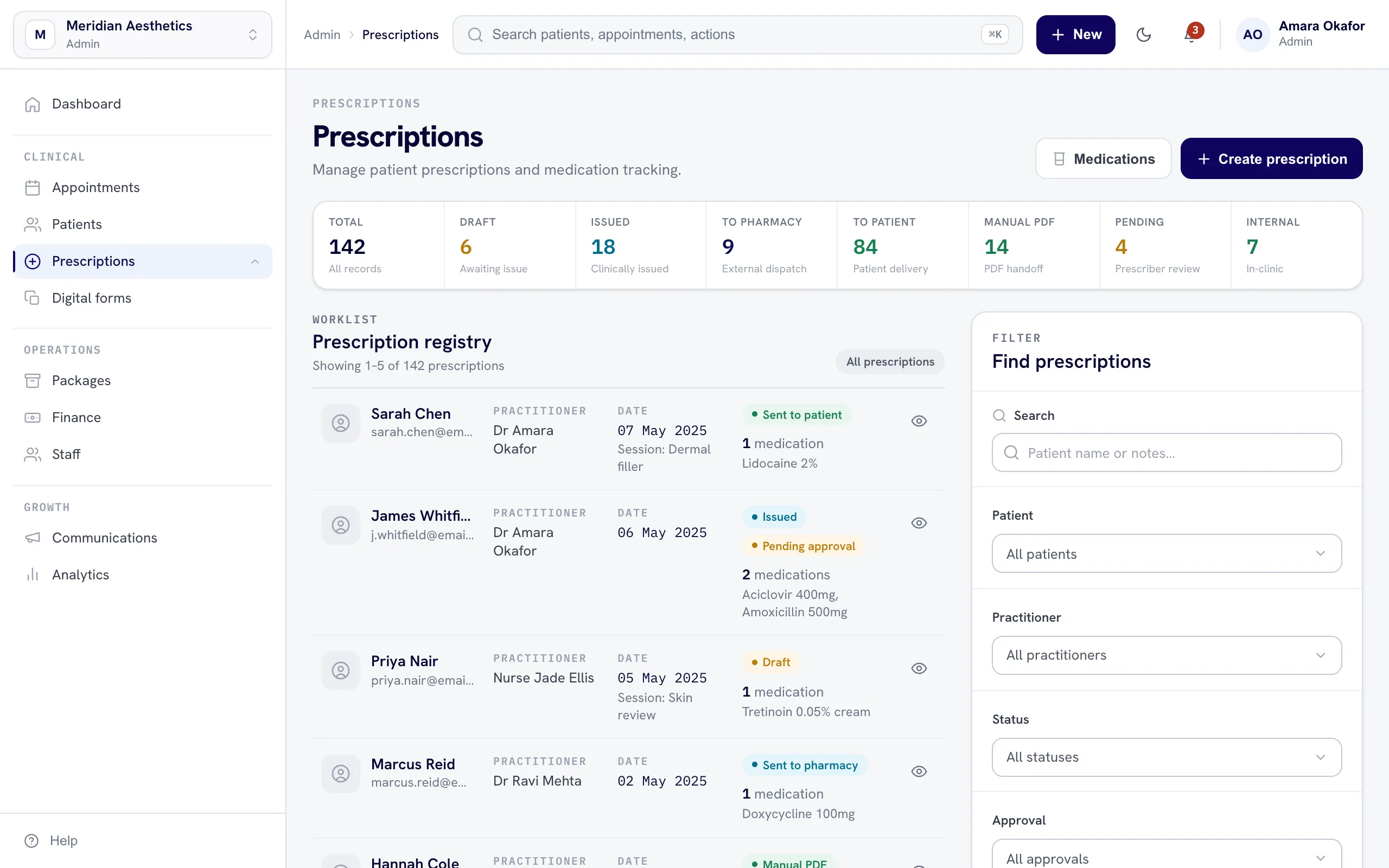
From instructions to an approved record.
Non-prescribers can help prepare the work. Only an authorised prescriber can approve and issue it.
Every prescription under control.
Keep creation, approval, secure sharing, internal dispensing and the patient record connected in one workflow.
Medication instructions in. Patient identity kept out.
nuemed uses the dictated or typed medication instructions to fill the prescription fields. NueShield keeps the patient identifiers away from the AI while the real prescription stays connected to the correct record.
How NueShield worksPrescription questions, answered.
Only a user marked as an authorised prescriber can approve and issue one. The clinic administrator controls that permission and records the prescriber's professional registration details.
A non-prescriber can prepare and submit a draft. It remains unapproved until the assigned prescriber reviews and approves it.
Yes. The prescriber can dictate the medicine, form, dosage, frequency and duration. nuemed places those instructions into the relevant fields for review.
Once approved, nuemed generates a fixed PDF record. The clinic can email a secure link to the patient or pharmacy.
Yes. The clinic can record the medication as dispensed and nuemed deducts the dispensed item from inventory.
Yes. Drafting, approval, rejection, sharing and dispensing actions are recorded against the prescription.
No. NueShield keeps patient identifiers away from the AI. Only the dictated or typed medication instructions are used to organise the prescription fields.