
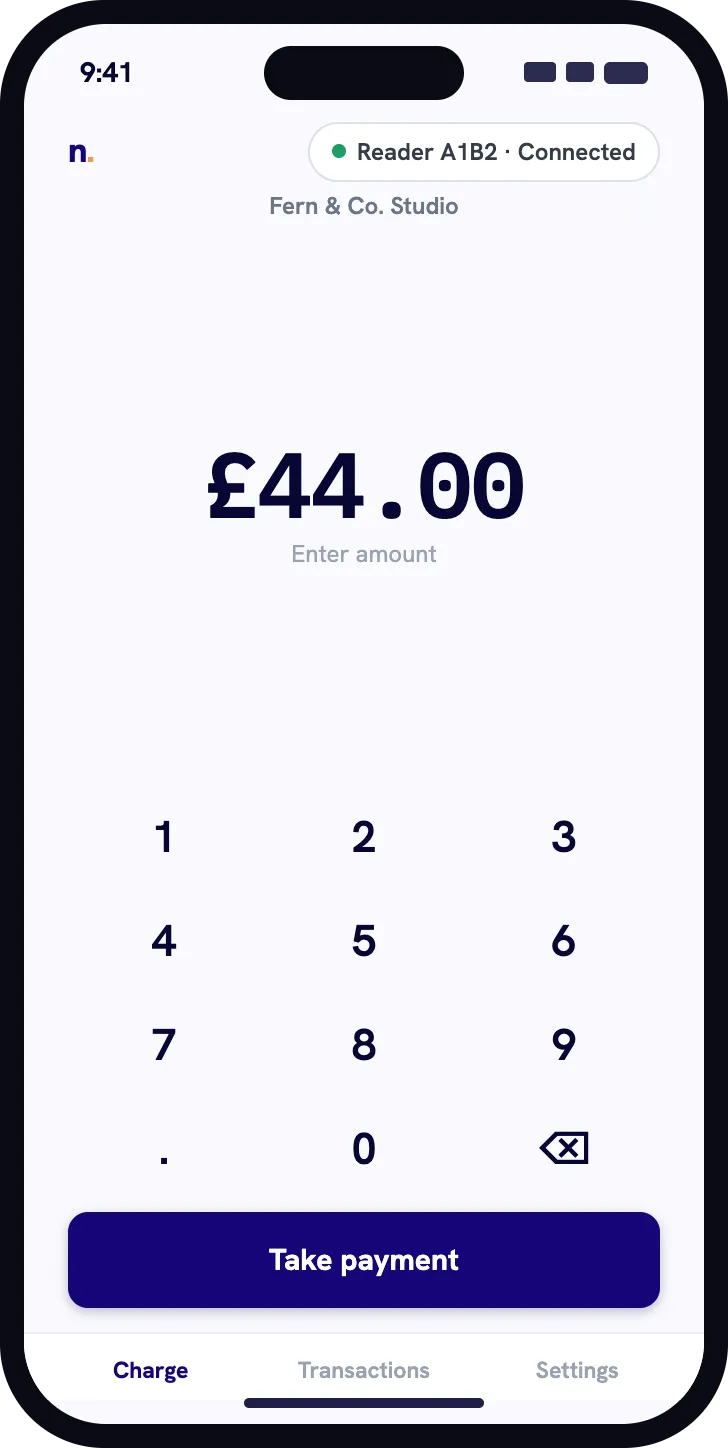
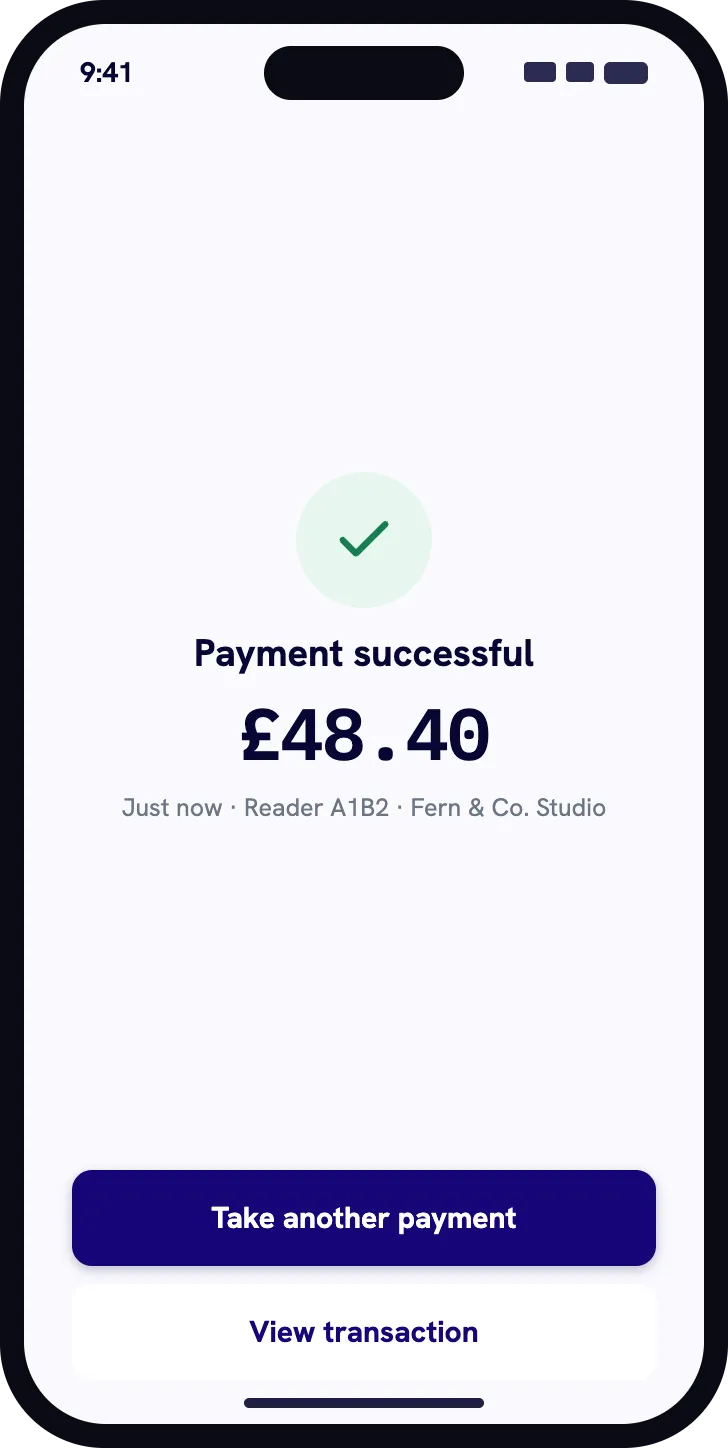
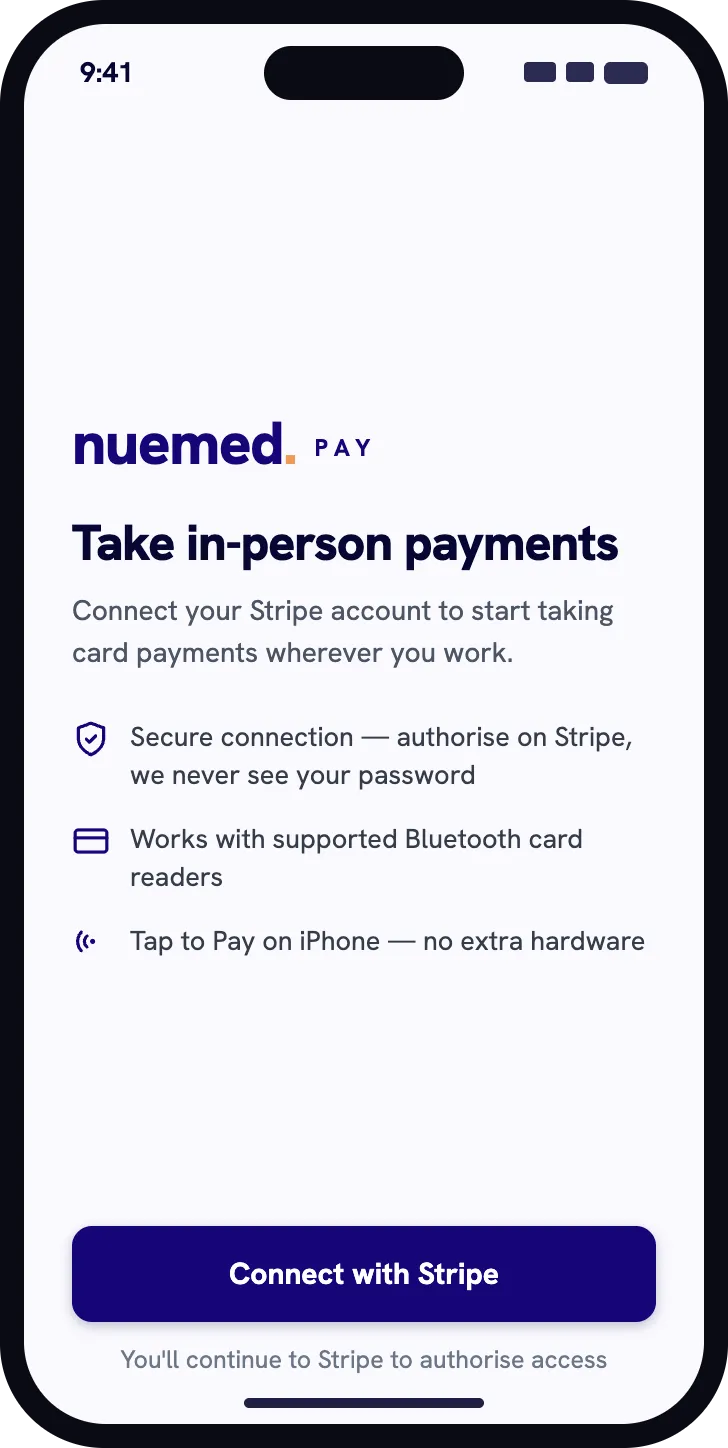
01Connect Stripe securely
Available now for Android phones and tablets. Use Tap to Pay on a supported Android phone or connect a supported Bluetooth card reader, then search transactions and handle refunds through your Stripe account.

A focused workflow for taking card-present payments and understanding exactly what happened afterwards.
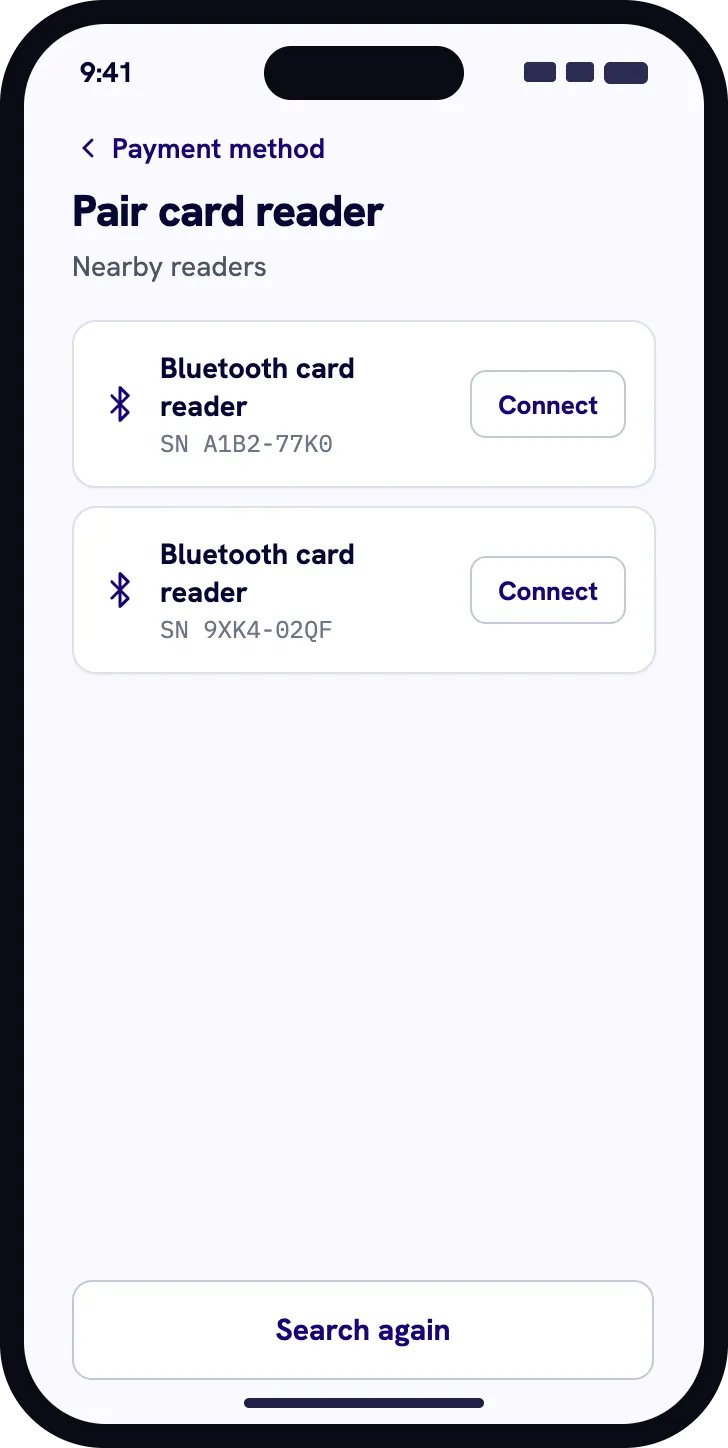
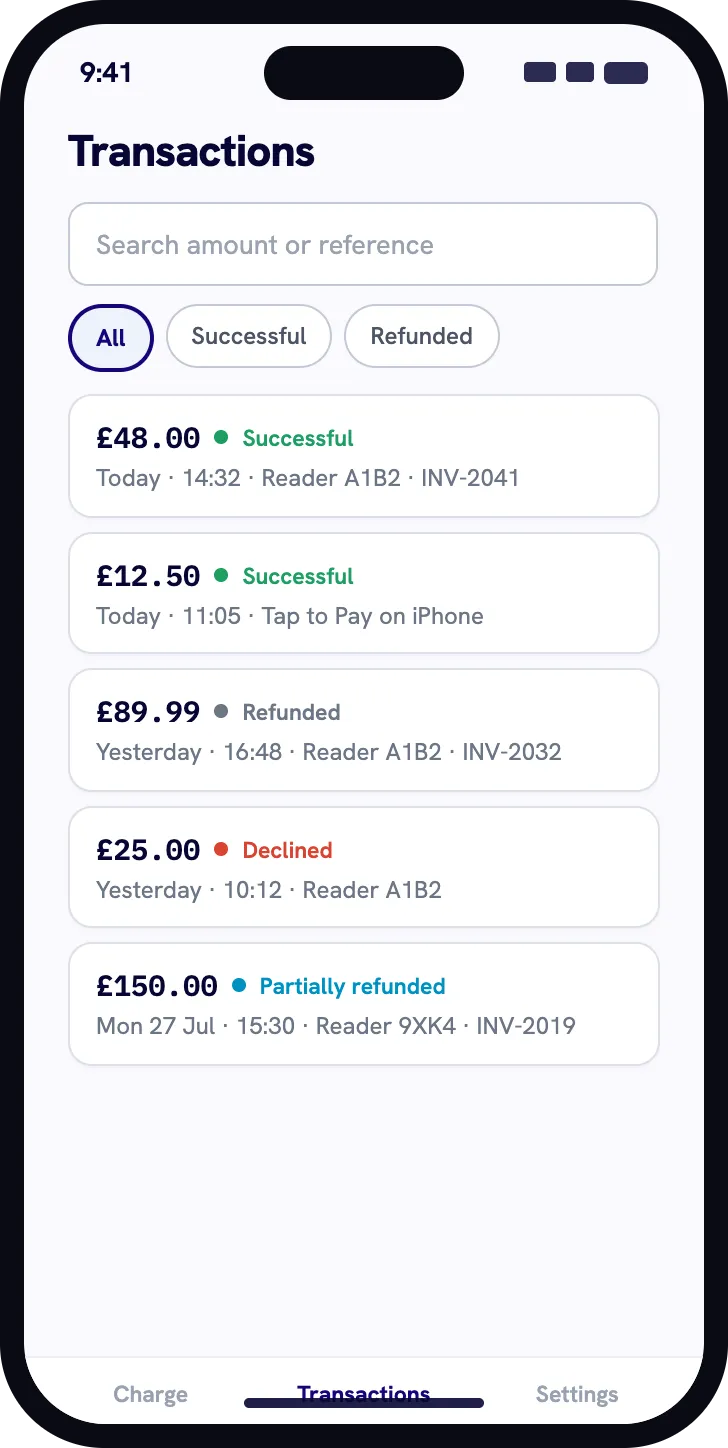
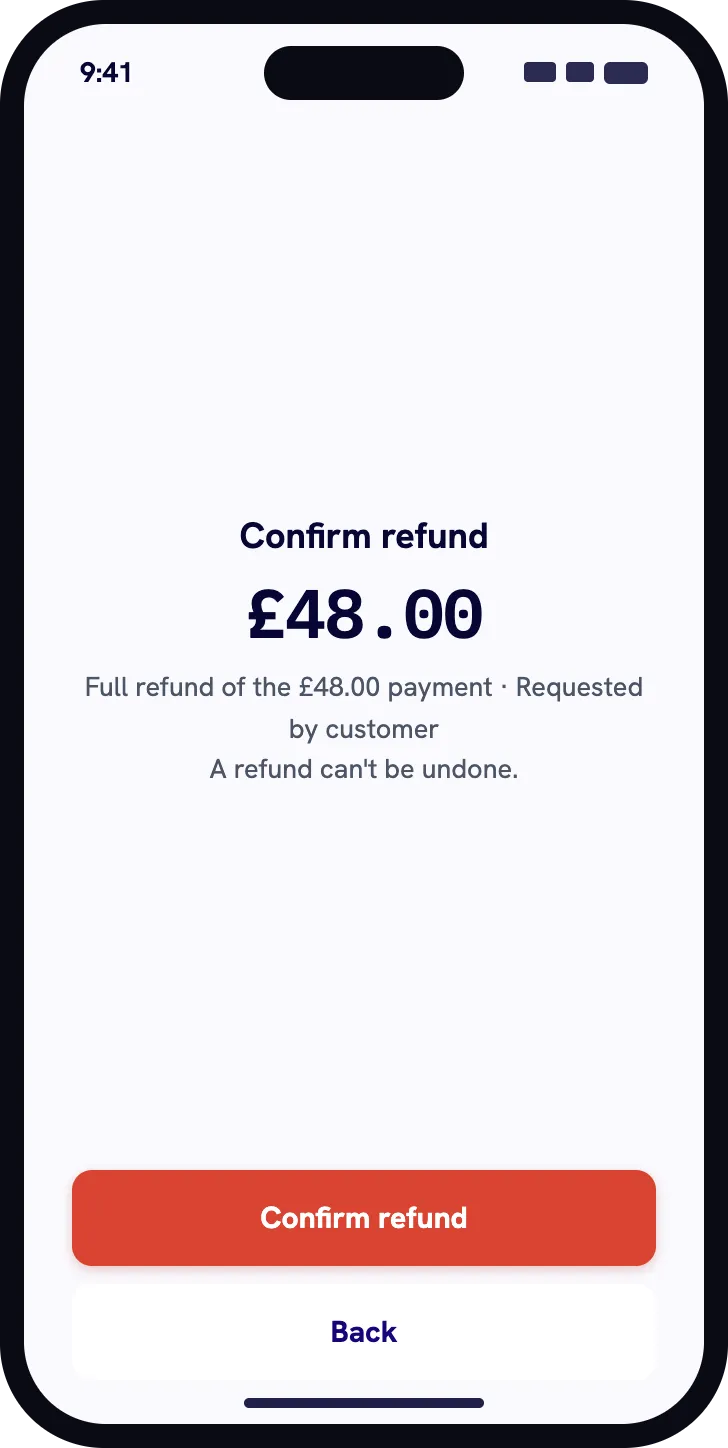
Connect the account, choose Tap to Pay or a supported reader, then keep the payment and transaction state together.
Authorise Nuemed Pay to work with the Stripe account where you want your in-person payments to arrive.
Use Tap to Pay on a supported phone with no extra hardware, or pair a supported Bluetooth Stripe Terminal reader.
Take the payment, confirm its final state, search transaction history and issue a full or partial refund when needed.
Nuemed Pay is for businesses that already use Stripe and want a direct way to take an in-person payment on a phone or tablet—with or without a separate Bluetooth reader.
Explore setup and supportNo Nuemed clinic-platform subscription is required.
Use Tap to Pay on a supported phone or connect a supported Bluetooth reader.
Search payment history, review outcomes and issue full or partial refunds.
Nuemed Pay charges one percent of the full payment, including any tip. Stripe’s processing and other Stripe fees are charged separately under your Stripe agreement.
Read the complete fee termsStripe processing and other Stripe fees follow your Stripe agreement.
The Nuemed fee is returned in the same proportion as a full or partial refund.
Any remaining Nuemed fee is returned when a dispute is finally lost.
Rounded to the nearest smallest currency unit, with a one-unit minimum.
Nuemed Pay is available now for Android phones and tablets through Google Play. Feature availability varies by platform. The first iPhone and iPad release supports compatible Bluetooth Stripe Terminal readers. Tap to Pay on iPhone is planned for a later update.

Nuemed Pay is an independent product from Nuemed. It is not sponsored or endorsed by Stripe.
Nuemed Pay is a focused card reader app for Stripe Terminal, available now for Android phones and tablets from Google Play. Use Tap to Pay on a supported Android phone or connect a supported Bluetooth reader to take in-person payments through your Stripe account. iPhone and iPad support is coming soon.
No. Nuemed Pay is a standalone app. It is separate from the Nuemed clinic platform and from nuemed runit, the mobile clinic-management app.
Nuemed charges 1% of the full payment amount, including any tip. The fee is rounded to the nearest smallest currency unit, with a minimum of one smallest unit. Stripe processing and other Stripe fees are separate.
Nuemed Pay supports Tap to Pay on supported phones and compatible Bluetooth Stripe Terminal readers. Reader availability still depends on your device, country, Stripe account and hardware model.
Tap to Pay is available on supported Android phones. Tap to Pay on iPhone is planned for a later Nuemed Pay update.
Yes. Nuemed Pay includes searchable transaction history and supports full or partial refunds. Past payment and refund records remain available in your Stripe Dashboard.
Payments are created for the Stripe account you connect to Nuemed Pay. Stripe Terminal handles the card-present payment flow, and Nuemed Pay shows the resulting payment state.
No. Nuemed Pay is an independent Nuemed product designed to work with Stripe Terminal. It is not sponsored or endorsed by Stripe.
Available now for Android. iPhone and iPad support is coming soon.